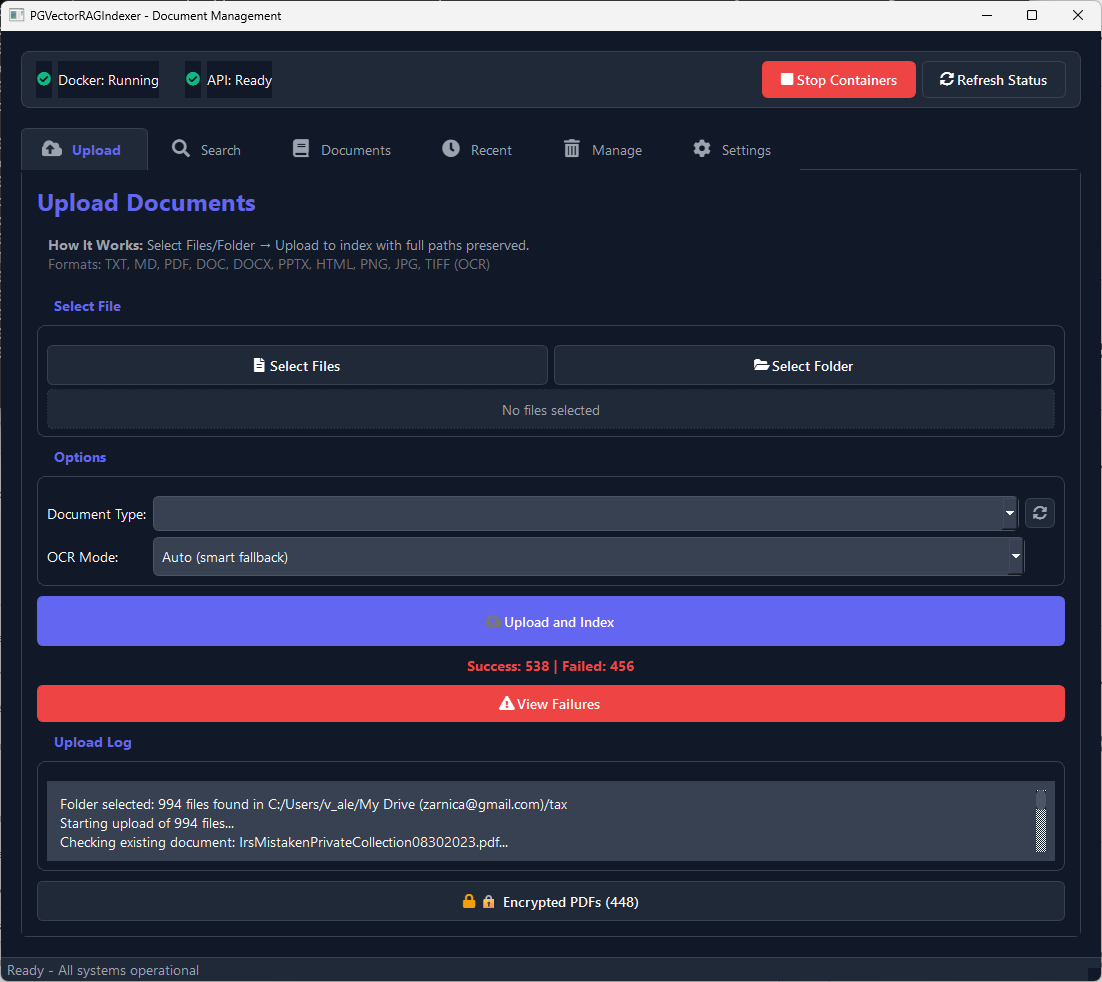
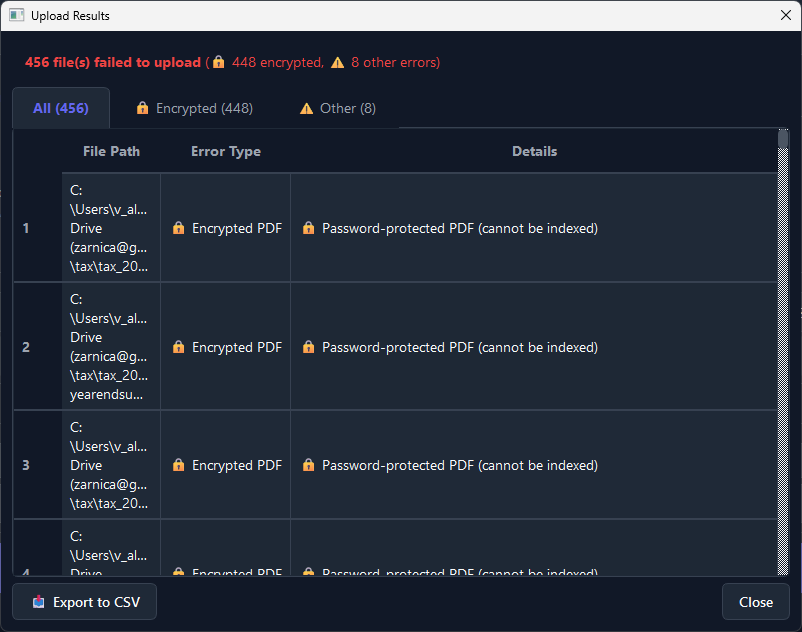
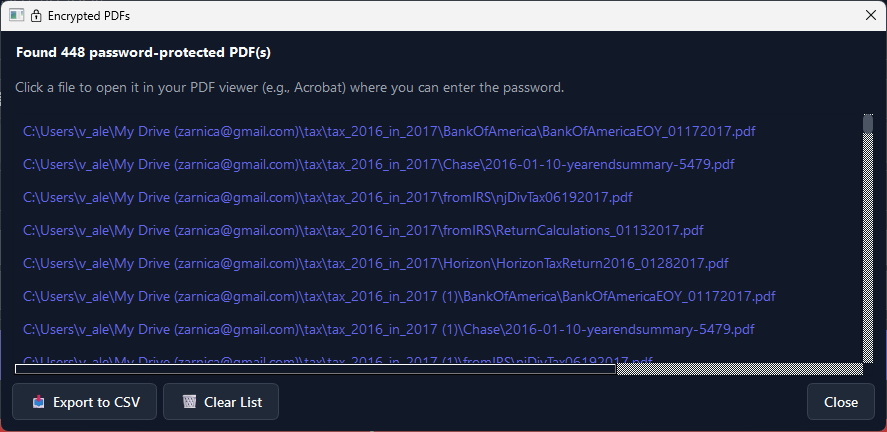
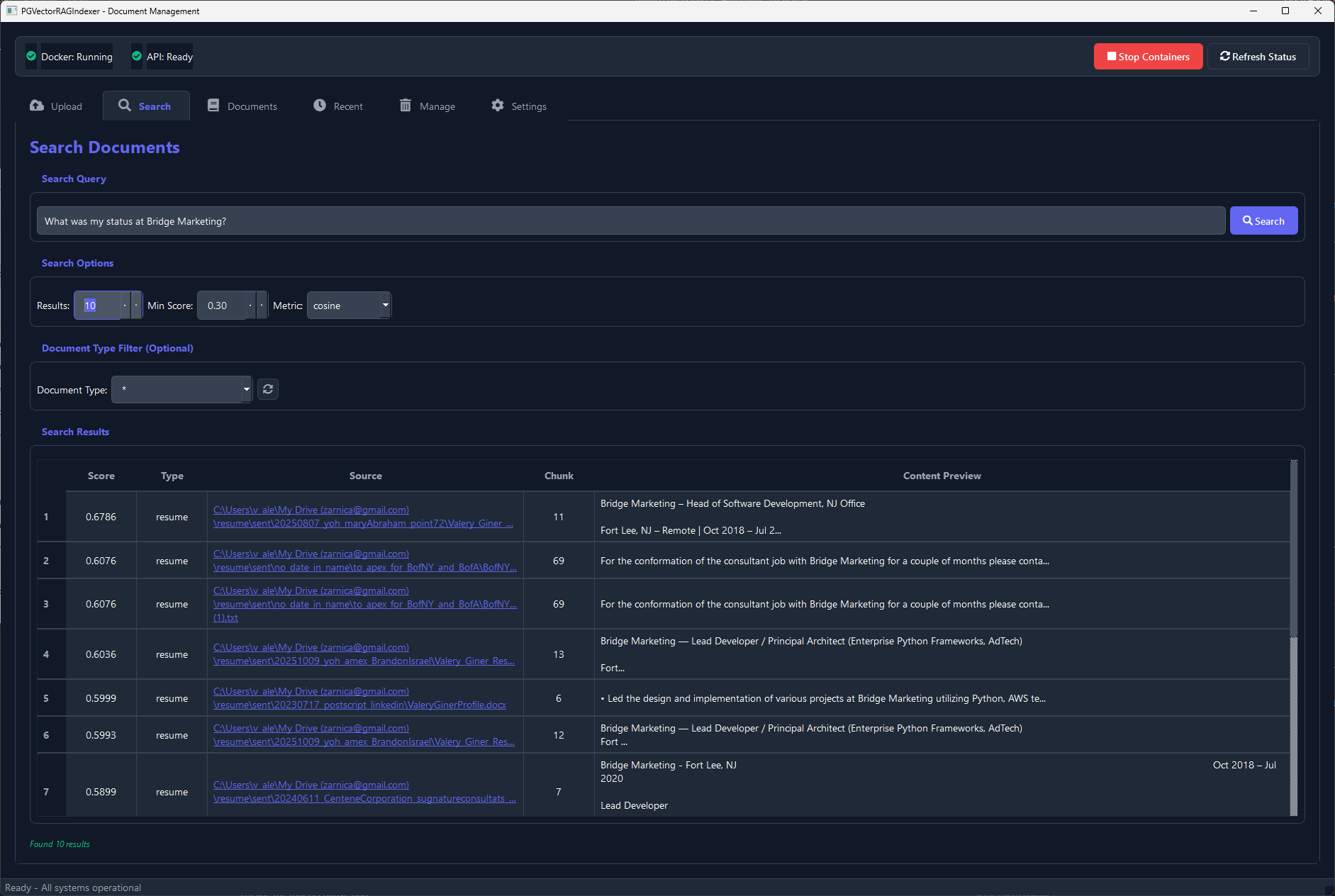
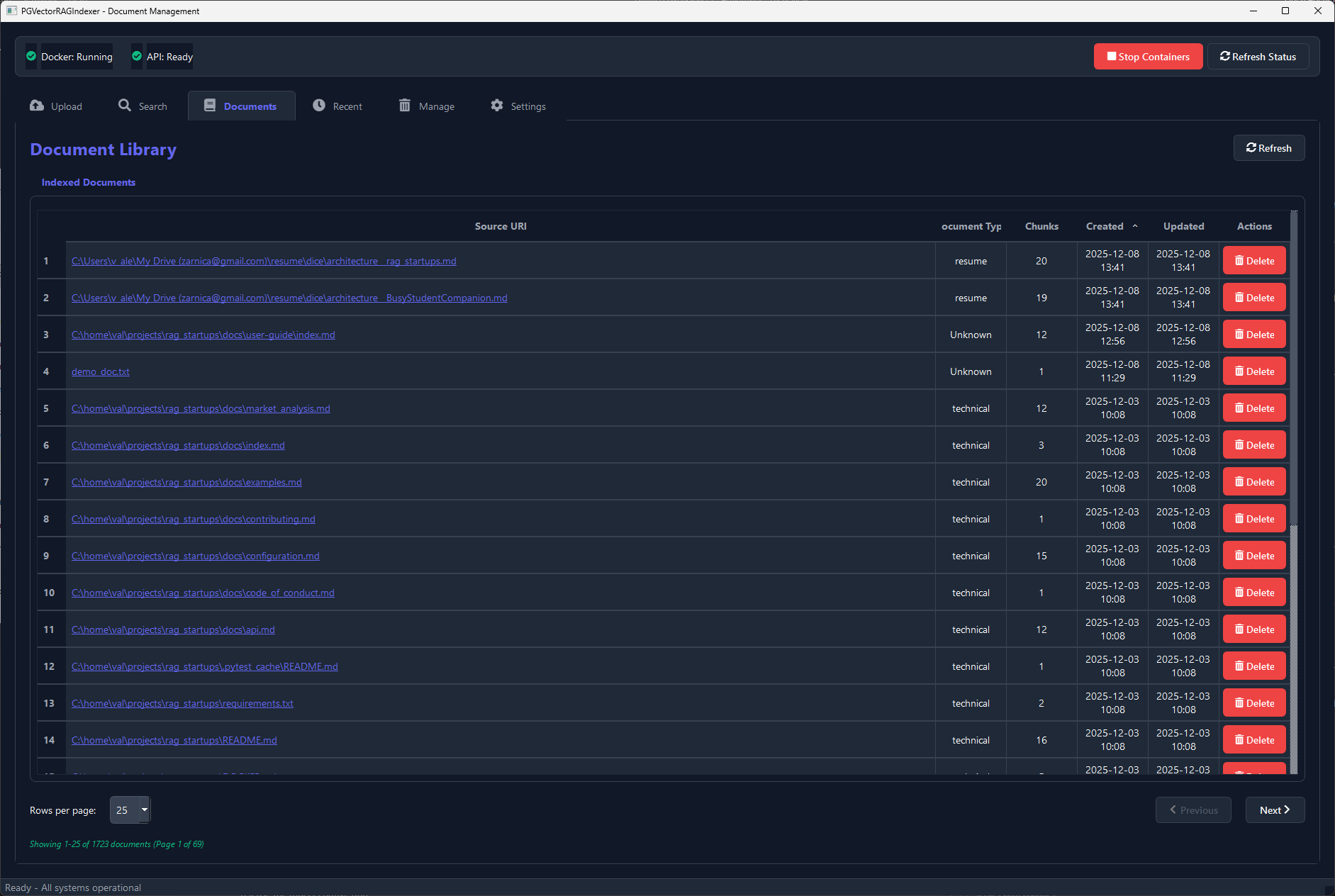
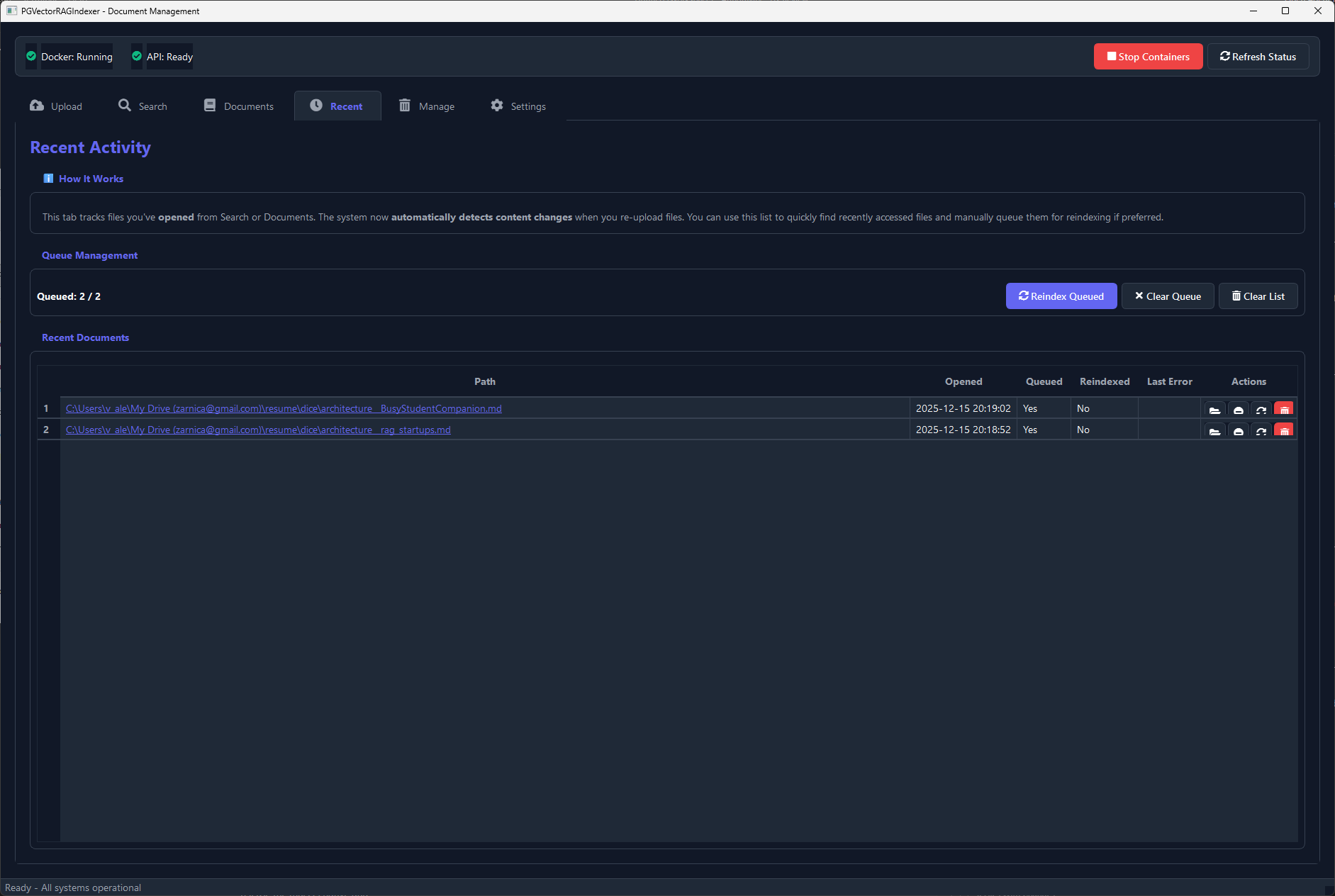
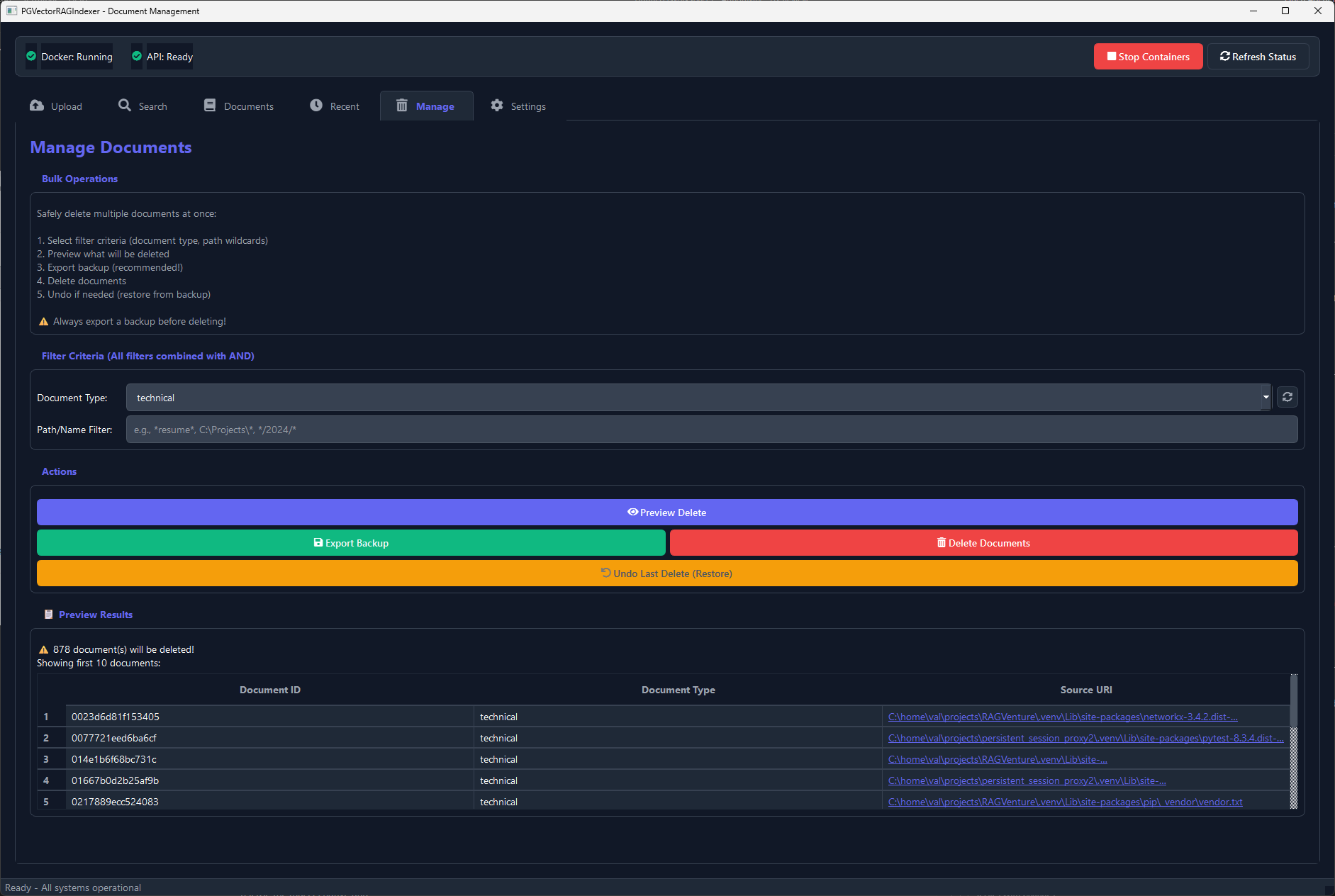
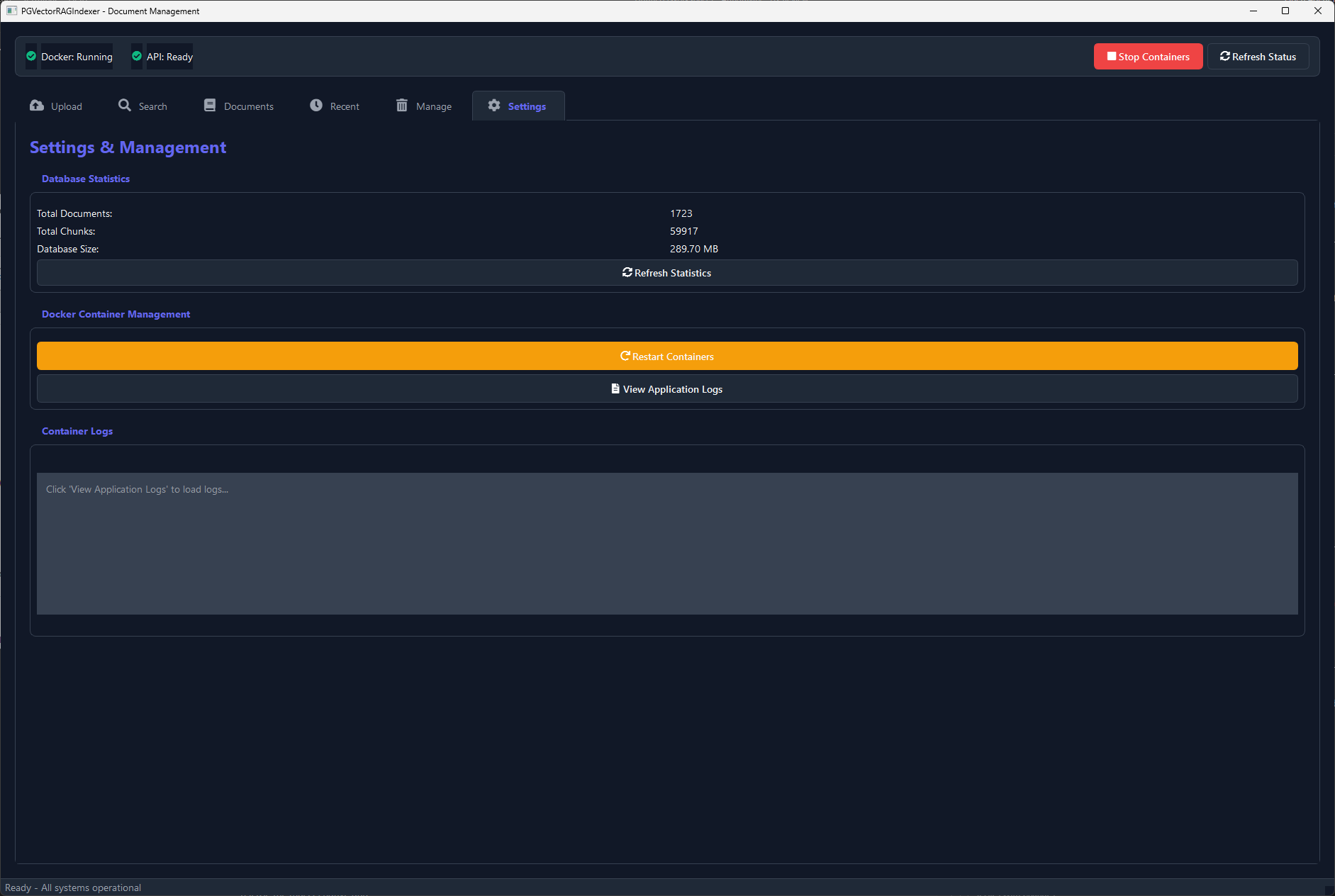
Desktop App (Recommended)
Works on macOS (including Catalina) and Linux. Also available for Windows.
Run this command to install and launch the desktop app:
curl -fsSL https://raw.githubusercontent.com/valginer0/PGVectorRAGIndexer/main/bootstrap_desktop_app.sh | bashWhat this command does:
- Installs required Python dependencies
- Sets up the local PostgreSQL + pgvector database (via Docker)
- Installs the desktop GUI
- Launches the desktop app automatically
Features:
- Full document management with drag-and-drop
- Built-in backup/restore
- Local semantic search interface
Requires a Docker-compatible container runtime for the database backend. Hardware virtualization must be enabled — the installer checks and guides you.
If you use the app on public or shared Wi-Fi (cafés, airports, hotels), we recommend using a trusted network or a VPN. On a private home network, no special setup is needed. Learn more
curl -fsSL https://raw.githubusercontent.com/valginer0/PGVectorRAGIndexer/main/docker-run.sh | bashHeadless Docker (API-only):
- Downloads and orchestrates the pre-configured Docker containers
- Includes PostgreSQL (pgvector) and the API server ready-to-run
- Automatically initializes the database schema for you
- No GUI — use via REST API or CLI
For server deployments or power users who prefer the command line.
Desktop App (Recommended)
Native Windows application with one-click launch.
Run this command in PowerShell to install and launch the desktop app:
irm https://raw.githubusercontent.com/valginer0/PGVectorRAGIndexer/main/bootstrap_desktop_app.ps1 | iexWhat this command does:
- Installs required Python dependencies
- Sets up the local PostgreSQL + pgvector database (via Docker)
- Installs the desktop GUI
- Creates a desktop shortcut for easy launch
- Launches the desktop app automatically
Features:
- Full document management with drag-and-drop
- Built-in backup/restore
- Local semantic search interface
Requires a Docker-compatible container runtime for the database backend. Hardware virtualization must be enabled — the installer checks and guides you.
If you use the app on public or shared Wi-Fi (cafés, airports, hotels), we recommend using a trusted network or a VPN. On a private home network, no special setup is needed. Learn more
Available for all platforms (Windows, macOS, Linux)
Desktop app on all three; Docker required for the DB.
For manual setup instructions, troubleshooting, and advanced configuration, consult the full installation guide.
View Full Installation Guide